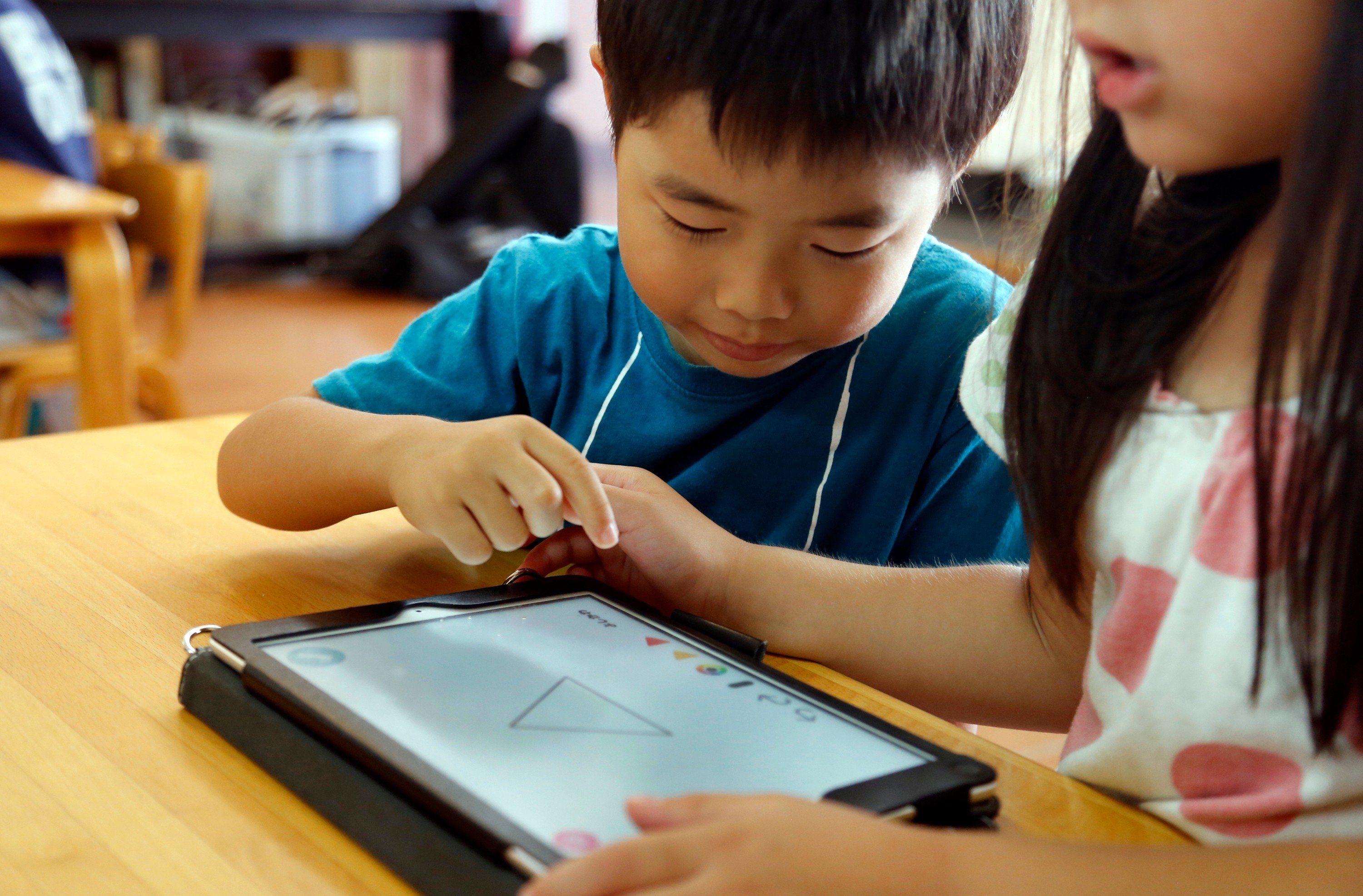
Tablets and computers have become crucial school supplies for many students. But the same devices children use to read text, write essays, solve math problems or research history projects can also offer distractions in the form of games, social media and web browsing.
It can be a challenge for parents to figure out how to help children stay focused when using these devices. That can be especially complicated with school-managed devices, where parents may have limited control over settings and restrictions.
Helpful options can include using built-in tools and settings on devices, creating routines and introducing time-management techniques.
Here are some tips for parents to help children stay on task.
The strategies parents choose may depend on whether their children are working on their own devices or ones issued and managed by schools.
Parents have more control over personal tablets or computers and are able to restrict pop-up notifications from programs, block websites or remove apps entirely. But school-issued devices often come with preloaded software and apps, and schools might manage those devices' settings.
Parents can talk with school administrators about what controls and restrictions are already in place and what options may be available to families concerned about screen time. Parents can also ask whether assignments or homework can be completed on paper. But reducing students’ use of technology entirely can also involve tradeoffs, particularly when some tools offer individualized instruction or help students develop technology skills increasingly expected in the workforce.
In some cases, schools are giving parents additional tools to monitor and manage devices outside of school hours. Battle Ground Public Schools in Washington, for example, introduced overnight login restrictions last year for elementary and middle school students on school-issued Chromebooks, while also allowing exemptions for some families. The restrictions were put in place as a result of parent concerns about device usage late at night and possible interruptions to sleep.
Students can be distracted by notifications that pop up from apps, messages and other services. One simple way to quiet those interruptions is to put up a digital Do Not Disturb sign.
Apple devices, including MacBooks, have focus modes that let users silence some or all notifications, calls and texts. Do Not Disturb is one of the preset modes and users can also set up their own. On Android devices, a standalone Do Not Disturb feature does the same thing while a separate focus mode, available through Digital Wellbeing in settings, can pause selected apps and gray out their icons so they are harder to open.
Parents can also use built-in controls on Apple and Android devices to regulate screen time, either on their own phone or on a child’s linked device. Depending on the device and how it is set up, parents can restrict access to categories of apps, such as games or entertainment, or set a daily time limit for an individual app.
Google users can use Family Link to manage settings and screen-time limits on a child’s Android device or Chromebook. Apple users can manage these controls for a child’s iPhone, iPad or Mac through Family Sharing.
Keep in mind that screen-time limits aren’t foolproof. Depending on the device and settings, children may be able to request additional time or override some restrictions.
If a setting is unavailable, parents may need to check the school’s device policy or ask the school or district’s technology department what controls are available.
There’s also a decidedly low-tech solution to a distracting app: Delete it. If a particular app is consistently pulling a child away from schoolwork, removing it from the device eliminates the temptation to open it in the first place.
Device settings can remove some distractions, but experts say parents should also help children learn how to manage their own attention and technology use.
"Everybody has individual rhythms of attention,” said Gloria Mark, professor emerita at the University of California, Irvine, and author of "Attention Span.”
Experts recommend paying attention to when students are most alert, and scheduling work that requires the most concentration during those periods. Those rhythms can vary throughout the day and depend partly on whether someone naturally functions better earlier or later in the day. A quiet or dedicated workspace can also help, as can avoiding multiple devices at once, such as texting while reading or switching to another screen during homework.
To learn and retain information, Mark said, students need to actively engage with material and avoid frequent distractions: "So quick attention shifts are not conducive for learning and retaining information.”
"When people become more conscious of what they’re doing, they can also become more intentional. And when you’re more intentional, you can form a plan,” she said, adding that setting goals and rewarding accomplishment helps people focus on their tasks.
Children should also start homework as early as possible after taking time to decompress from the school day, experts say. Waiting until late at night can interfere with sleep.
The goal isn’t necessarily to eliminate every distraction or monitor every move, Mark said. Parents can instead help children understand when and how they focus best and develop strategies for staying with one task. They don’t need to "helicopter” their children, she said, but should help them understand the importance of focusing and staying with one thing.